React InputTextarea
Published
•1 min read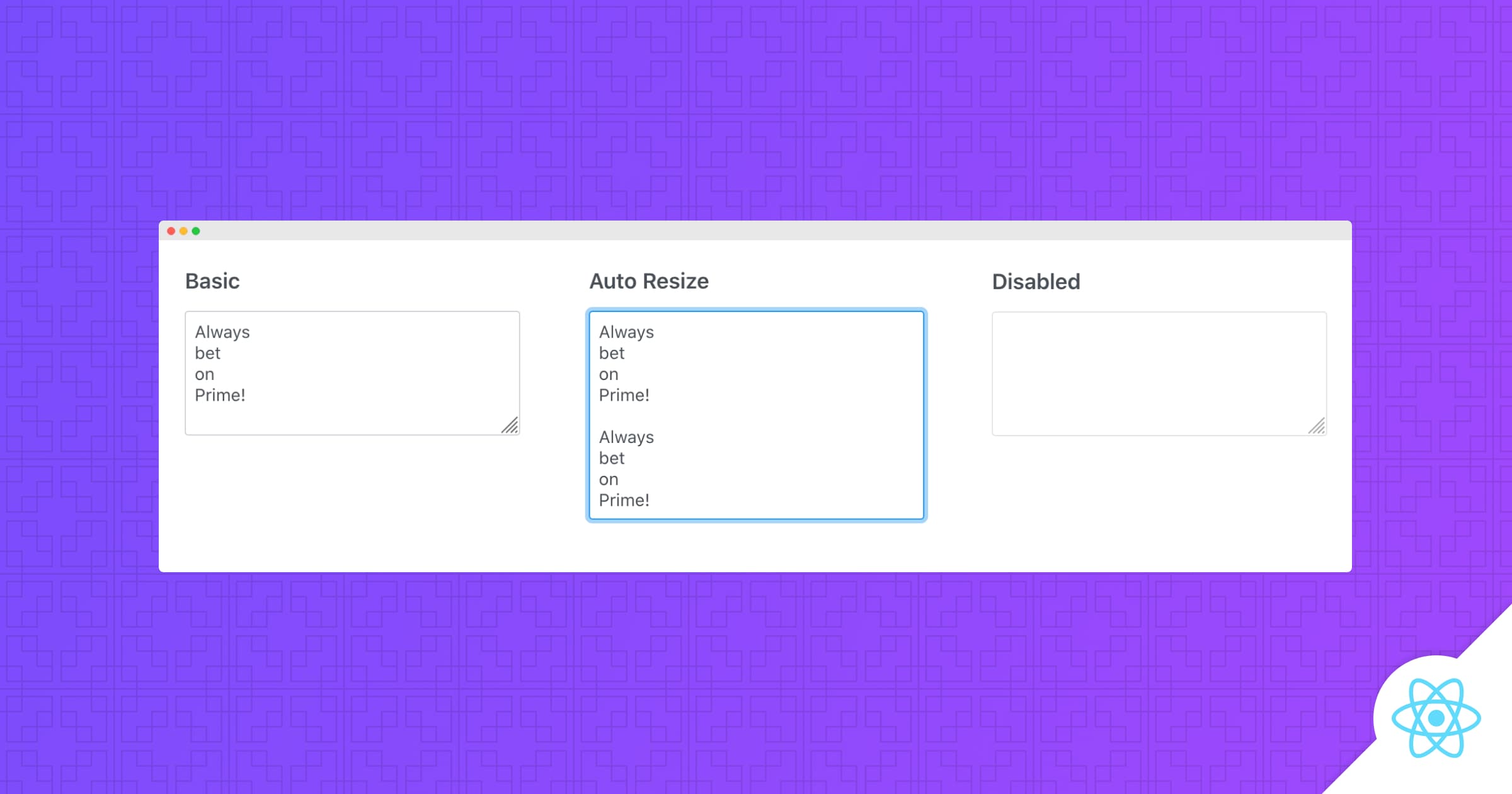
React Inputtextarea add styling and autoResize functionality to standard textarea element.
Setup
Refer to PrimeReact setup documentation for download and installation steps for your environment.
Import
import { InputTextarea } from 'primereact/inputtextarea';
Getting Started
Textarea is used as a controlled input with value and onChange properties.
<InputTextarea rows={5} cols={30} value={value} onChange={(e) => setValue(event.target.value)} />
AutoResize
In auto resize mode, textarea grows instead of displaying a scrollbar.
<InputTextarea rows={5} cols={30} value={value} onChange={(e) => setValue(event.target.value)} autoResize />
Theming
InputTextarea supports various themes featuring Material, Bootstrap, Fluent as well as your own custom themes via the Designer tool.
Resources
Visit the PrimeReact InputTextarea showcase for demos and documentation.


